


15W Wireless Fast Charging Pad
Features
15W
Fast Charging

Durable
Design

1.5m
Cable Length

Safe
Charging


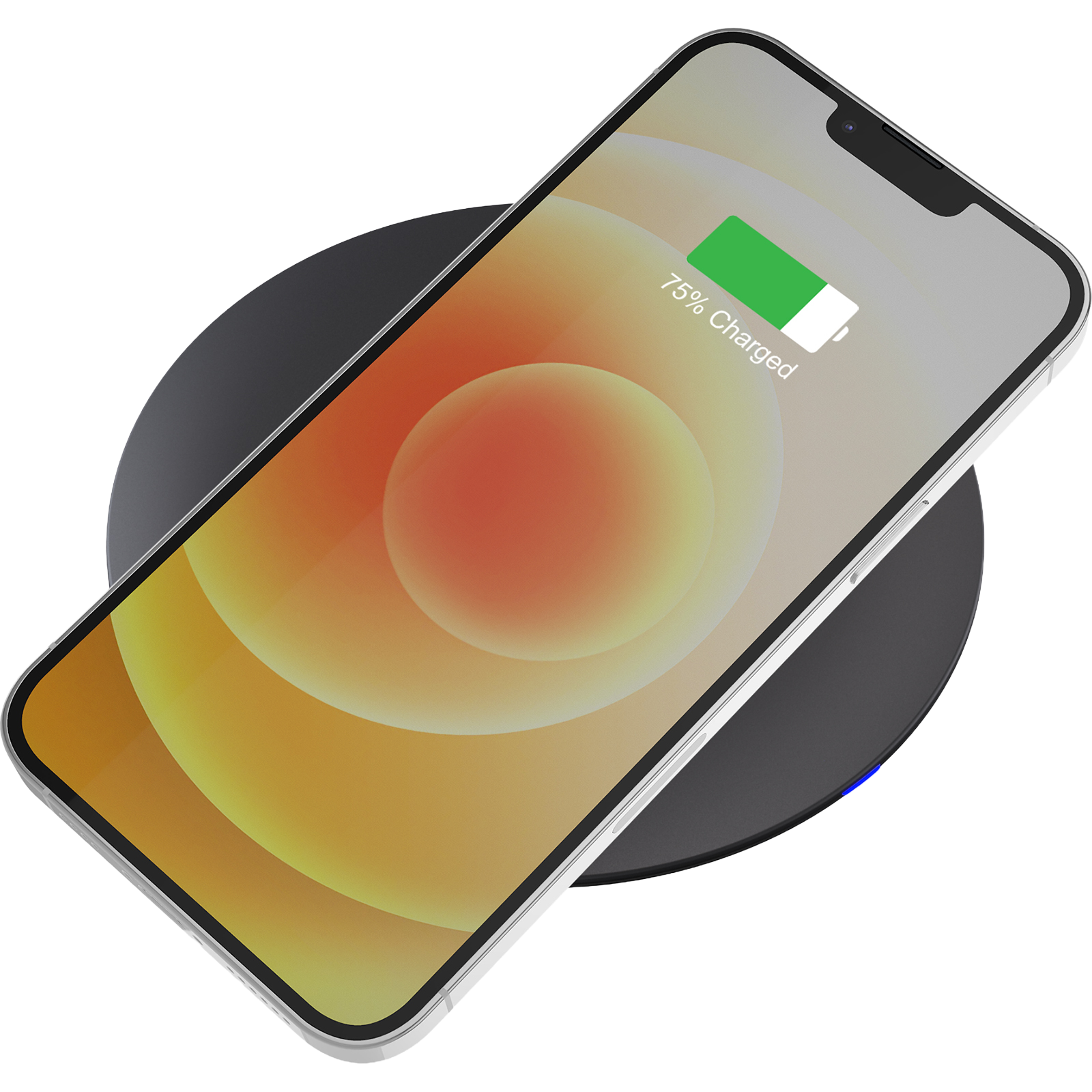
15W FAST CHARGING
for compatible devices such as the Samsung Galaxy series
7.5W APPLE CHARGING
for iPhone 8 and later
CHARGES YOUR EARBUDS TOO
works with AirPods, Galaxy Buds and other wireless-charging headphones
CASE FRIENDLY
works through most protective cases up to 3mm thick
SMART LED INDICATOR
shows charge status and switches to energy-saving mode once full
Specifications
Charging Specs
Power Supply: No
Host Port Connection: USB-C
Product Dimensions: 99.9mm dia x 7.7mm
Product Weight: 40g
In The Box: 1 x Charging Pad, 1 x 1.5m USB-C Cable (wall charger not included)
USB-C Output: Input: 5V/2A, 9V/2.22A USB-C. Wireless output: 5W/7.5W/10W/15W Max
Total Output: 15W
Certification: AS/NZS 62368-1:2022, RCM, EMC
Connectivity
Qi

Compatibility
Video Output
Supports USB-C Video between supported devices, for example most:
- Windows Laptops
- MacOS Devices
- ChromeOS Devices
HDMI Port 1
HDMI Port 1 utilizes SiliconMotion technology to achieve video output.
It is recommended to install/update any SiliconMotion drivers & software when first connecting your laptop to the dock.
To find out more, head to the "Downloads" tab.
HDMI Port 2 - Windows/ChromeOS Laptop Compatibility
Compatible with modern USB-C laptops that support video output over USB-C (DisplayPort Alt Mode).
Not supported on devices with data-only USB-C ports.
To check if your laptop supports video output over USB-C, look for a DisplayPort (DP), USB4 or Thunderbolt symbol next to the USB-C port.
If there are no markings next to the USB-C port, refer to the specifications listed in the user manual of your laptop. Look for mentions for “DisplayPort Alt Mode”, "Thunderbolt" or “USB-C video output.”
USB-C Ports without these indicators generally support data and charging only.
HDMI Port 2 - Apple Laptop Compatibility
Compatible with MacBook M1, M2, M3, M4 and M5 laptops.
USB-C video output behaviour may vary depending on your Mac model and macOS version.
If you're unsure about the compatibility of your device, please check with our support staff either via the Live Chat in the bottom right of the page or support@comsol.com.au
Sustainability
THE SUSTAINABILITY HIERARCHY
The Sustainability Hierarchy empowers us to make eco-conscious choices at every stage of our products’ lifecycles, from refusing unnecessary items to recovering valuable resources, fostering a more sustainable future.
Making Informed Choices
All stages of the electronic product lifecycle are important to consider in order to be sustainable consumers. The Sustainability Hierarchy, also known as the Rs of Sustainability, is a valuable tool to help guide business and consumers in minimising our impact and making conscious choices.

As a brand it is important to consider which stage of the Sustainability Hierarchy aligns best with our efforts to minimise impact and contribute to a more sustainable future—particularly in early product design and manufacturing.
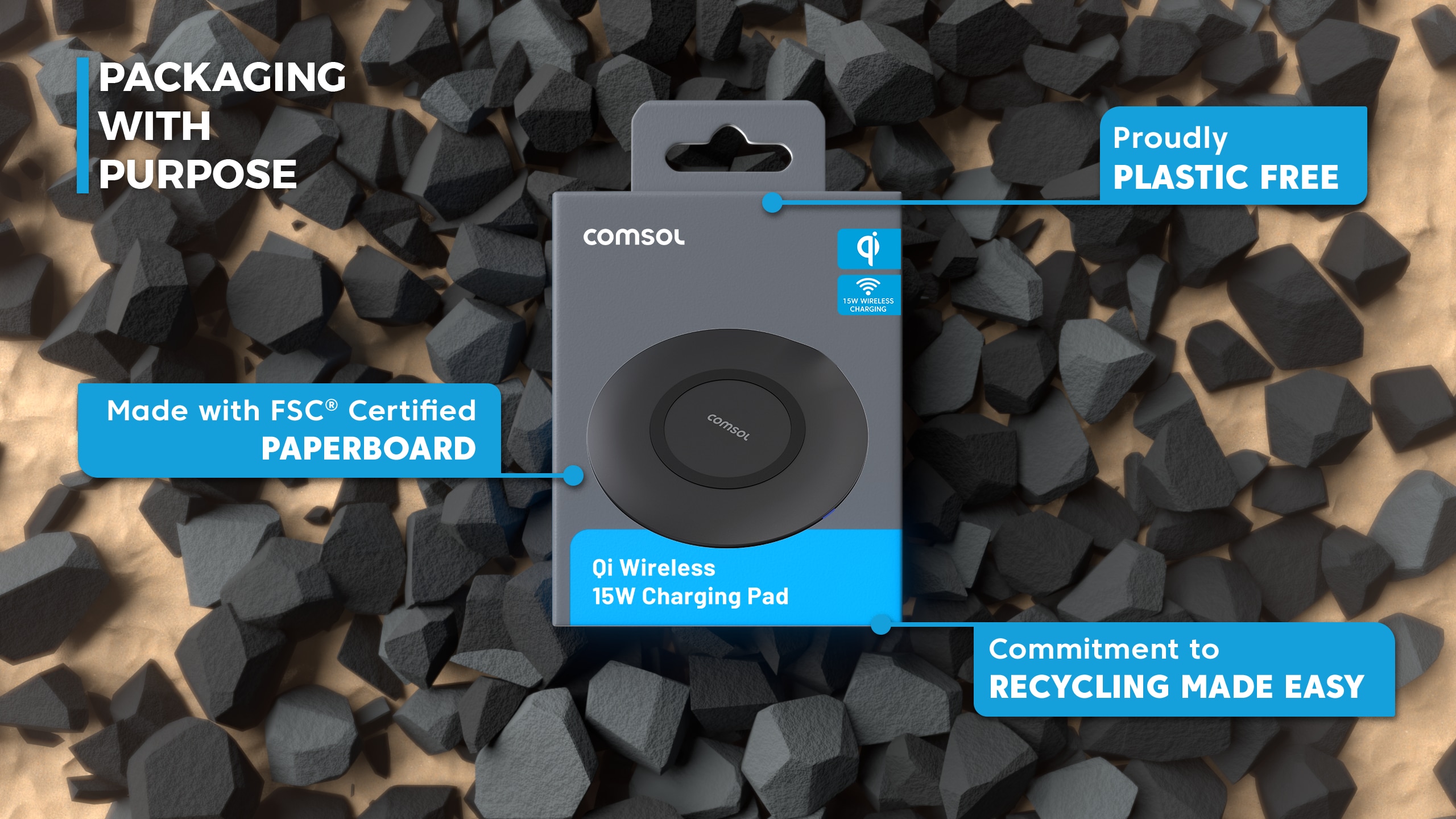
- Refuse: We have said no to unnecessary plastic and harmful materials in products and packaging.
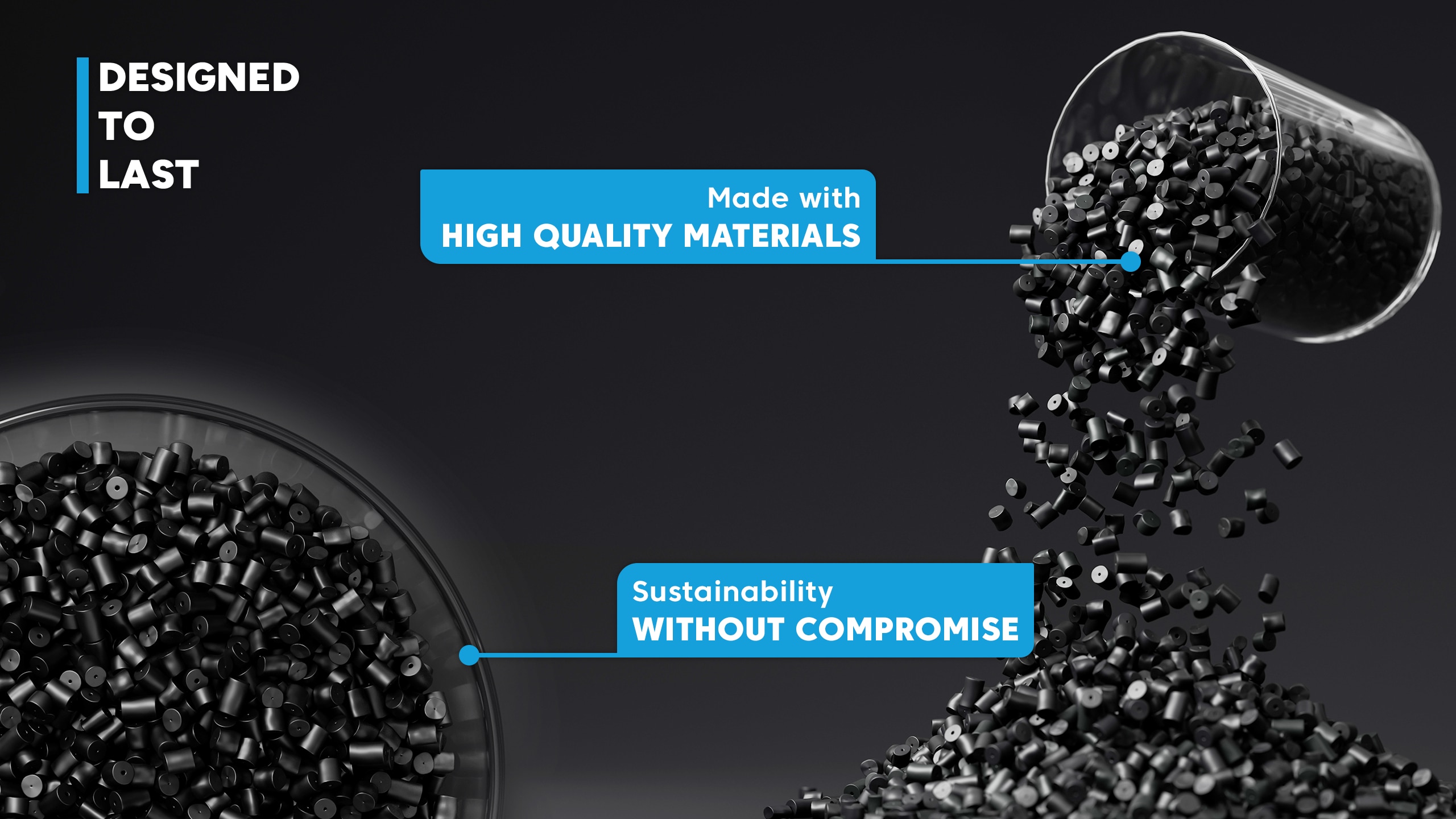
- Rethink: We investigate innovative solutions to extend product life through durability and multifunctional design.
- Reduce: We have reduced packaging volumes and optimised material usage in line with APCO assessments.
To view more click here.
