


9 Port HDMI 4K Dock for MacBook Neo - Silver
Features
Neo
Compatible

USB-C
9-Port Dock

Single
Monitor Output

4K UHD
3840 x 2160

5Gbps
Transfer Speed

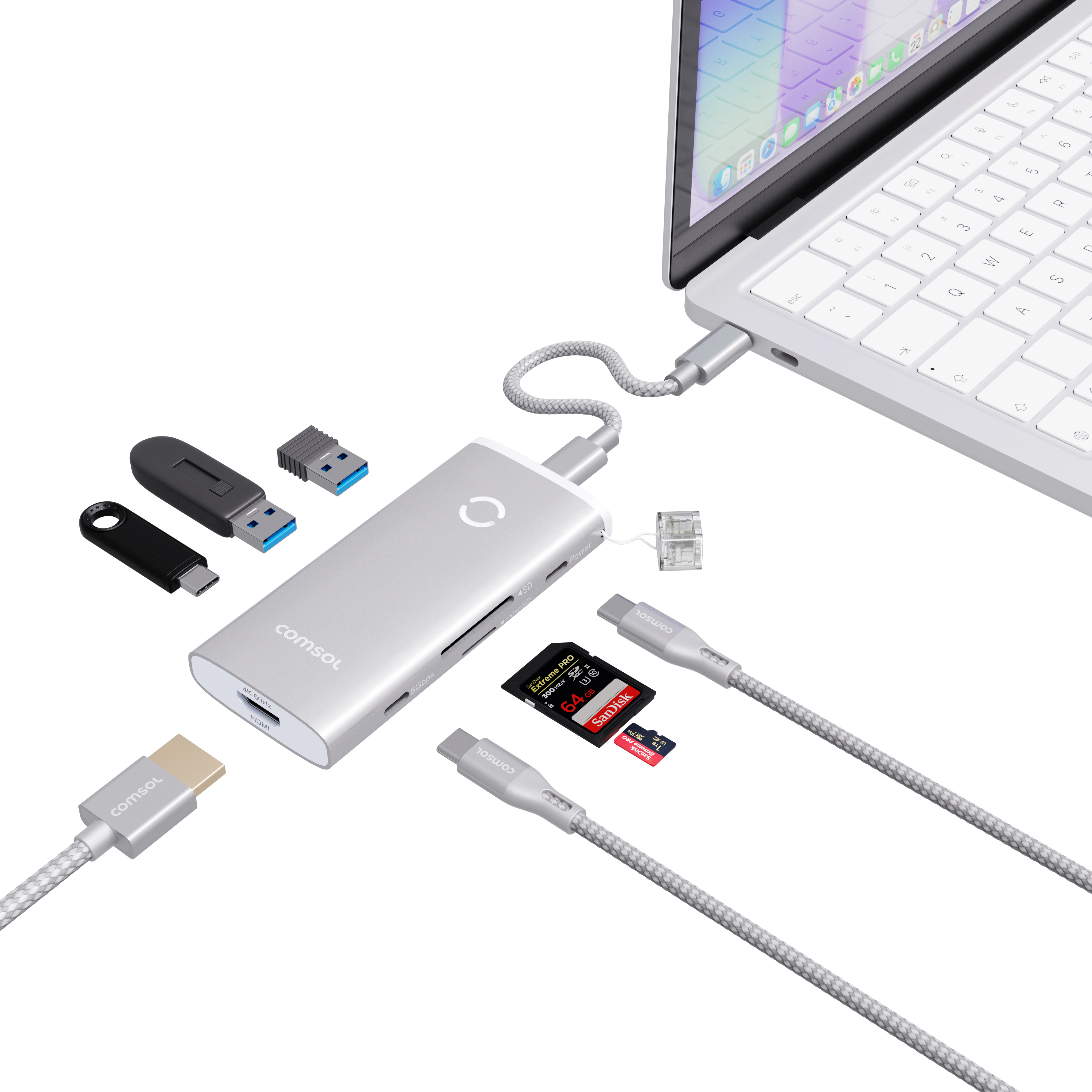
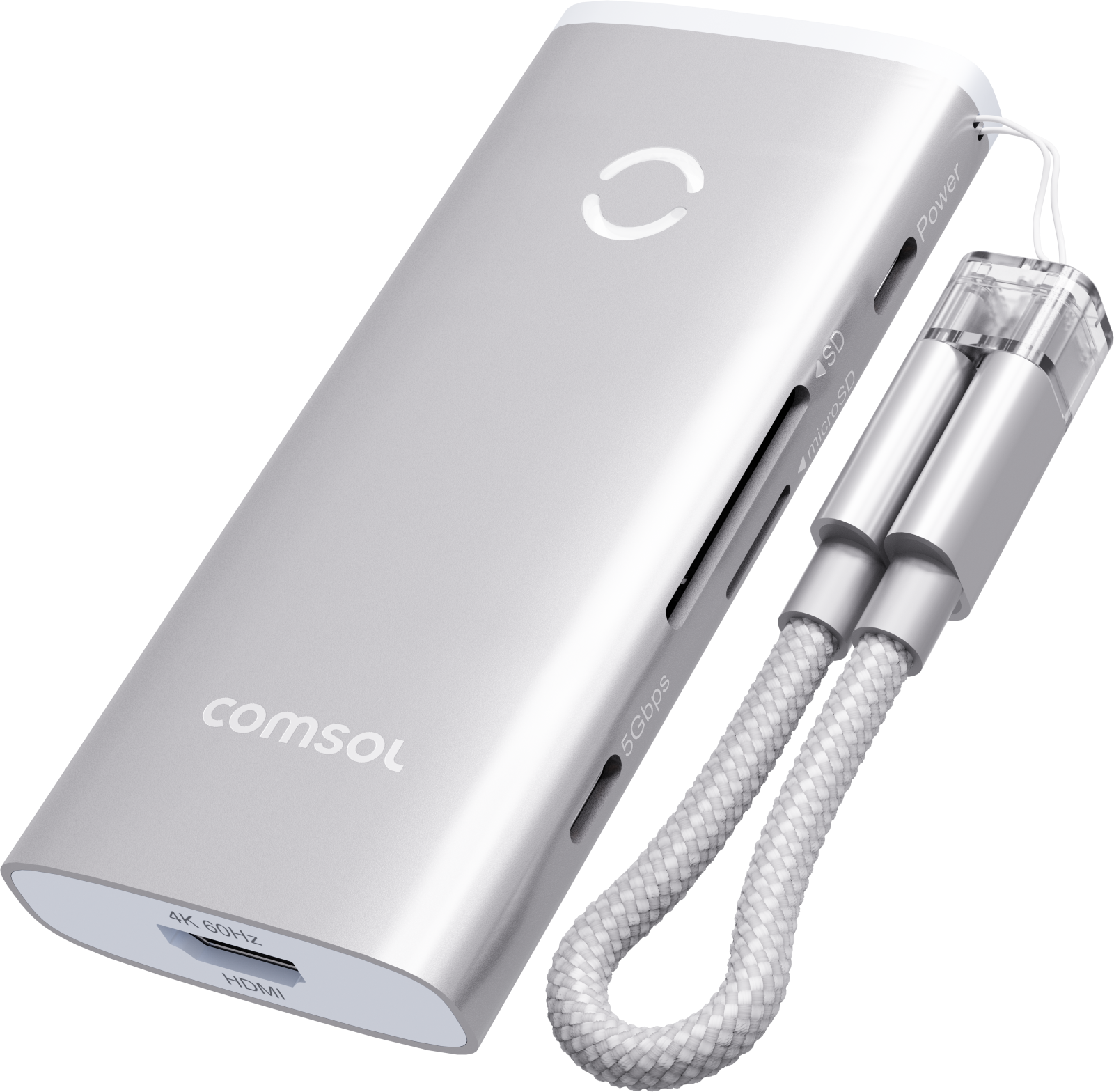
4K ULTRA HD OUTPUT
extend or mirror your desktop at up to 3840 x 2160 @60Hz
5GBPS USB DATA
2 x USB-A and 2 x USB-C ports connect all your external devices
SD & MICRO SD
memory card slots transfer your files at speeds up to 104MB/s
USB-C CHARGING
keeps your MacBook Neo charged while everything else stays connected
DETACHABLE CABLE
doubles as a handy spare charging and data cable on-the-go
Specifications
Charging Specs
Windows Monitor Support: Yes
Mac/Chrome Monitor Support: Yes
Max Single Resolution: 4K (3840 x 2160) @60Hz
Power Supply: No
Host Port Connection: USB-C
Expansion Ports: 1 x HDMI 4K, 2 x USB-A 5Gbps, 2 x USB-C 5Gbps, SD & microSD, 1 x USB-C PD Passthrough
Product Dimensions: 50 x 16 x 130mm
Product Weight: 70g
In The Box: 1 x 9 Port Dock, 1 x Detachable USB-C Cable, Warranty Card
OS Compatibility: MacOS
Host Display USB-C Requirements: DisplayPort Alternate Mode (DP Alt-Mode)
Certification: AS/NZS 62368-1:2022, RCM, EMC
Connectivity
HDMI

Micro SD

SD Card

USB-A
x2

USB-C
x2

Compatibility
MacBook Neo Compatibility
This dock is designed and colour matched specifically for the MacBook Neo range, and connects to every Neo model via USB-C.
Video Output
Supports USB-C Video between supported devices, for example most:
- Windows Laptops
- MacOS Devices
- ChromeOS Devices
HDMI Port 1
HDMI Port 1 utilizes SiliconMotion technology to achieve video output.
It is recommended to install/update any SiliconMotion drivers & software when first connecting your laptop to the dock.
To find out more, head to the "Downloads" tab.
HDMI Port 2 - Windows/ChromeOS Laptop Compatibility
Compatible with modern USB-C laptops that support video output over USB-C (DisplayPort Alt Mode).
Not supported on devices with data-only USB-C ports.
To check if your laptop supports video output over USB-C, look for a DisplayPort (DP), USB4 or Thunderbolt symbol next to the USB-C port.
If there are no markings next to the USB-C port, refer to the specifications listed in the user manual of your laptop. Look for mentions for "DisplayPort Alt Mode", "Thunderbolt" or "USB-C video output."
USB-C Ports without these indicators generally support data and charging only.
HDMI Port 2 - Apple Laptop Compatibility
Compatible with MacBook M1, M2, M3, M4 and M5 laptops.
USB-C video output behaviour may vary depending on your Mac model and macOS version.
If you're unsure about the compatibility of your device, please check with our support staff either via the Live Chat in the bottom right of the page or support@comsol.com.au
Sustainability
THE SUSTAINABILITY HIERARCHY
The Sustainability Hierarchy empowers us to make eco-conscious choices at every stage of our products’ lifecycles, from refusing unnecessary items to recovering valuable resources, fostering a more sustainable future.
Making Informed Choices
All stages of the electronic product lifecycle are important to consider in order to be sustainable consumers. The Sustainability Hierarchy, also known as the Rs of Sustainability, is a valuable tool to help guide business and consumers in minimising our impact and making conscious choices.

As a brand it is important to consider which stage of the Sustainability Hierarchy aligns best with our efforts to minimise impact and contribute to a more sustainable future—particularly in early product design and manufacturing.
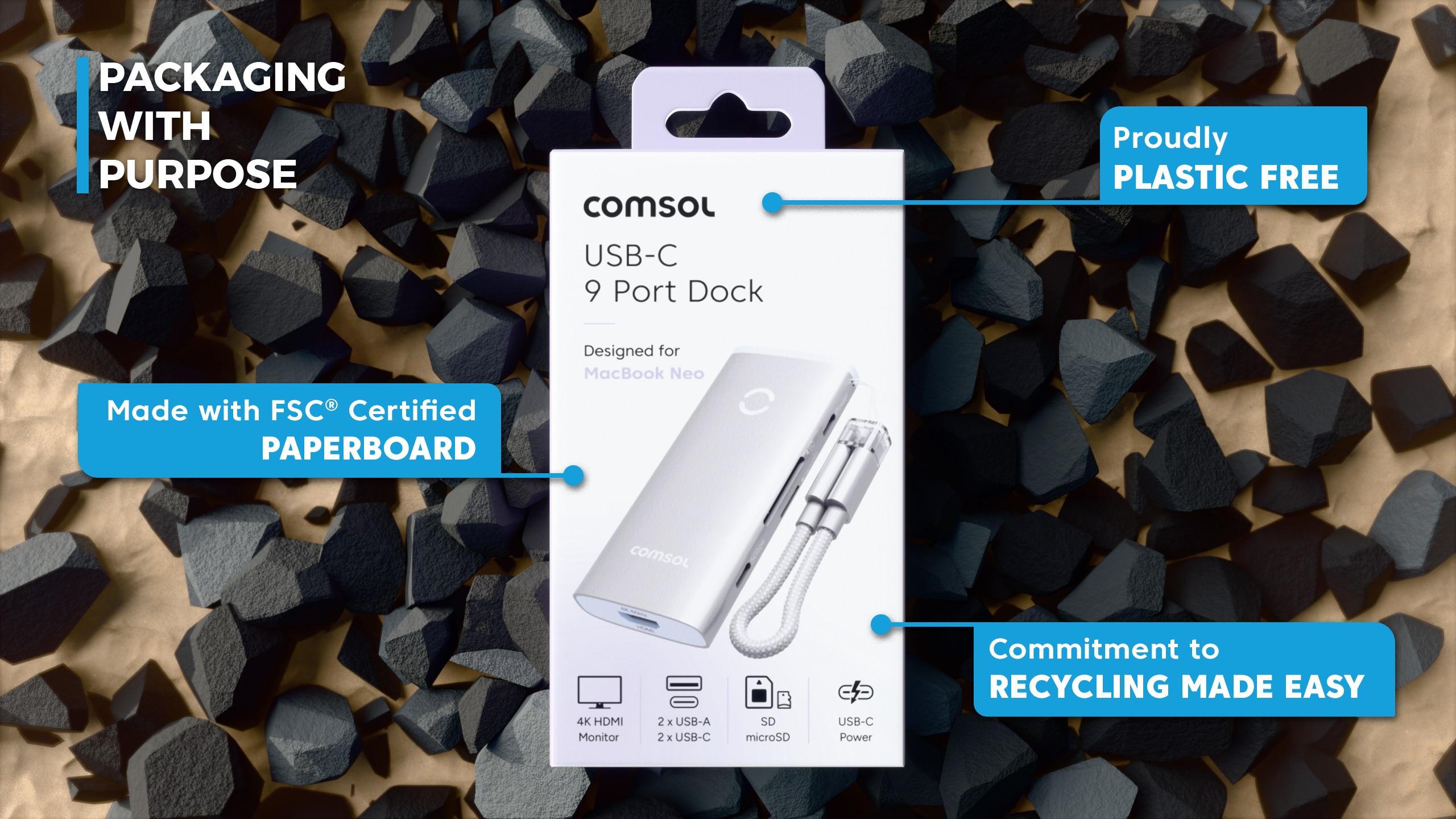
- Refuse: We have said no to unnecessary plastic and harmful materials in products and packaging.
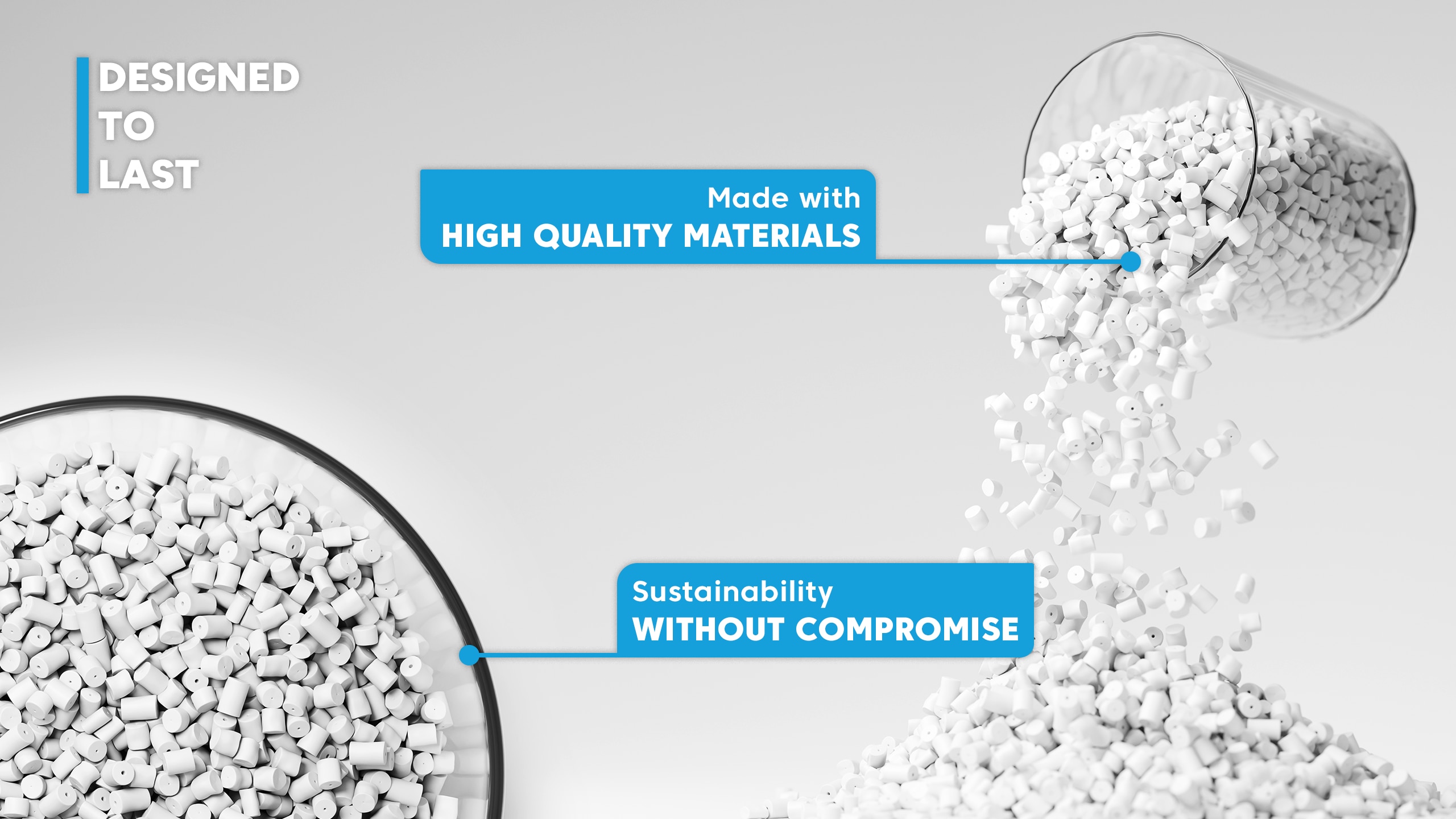
- Rethink: We investigate innovative solutions to extend product life through durability and multifunctional design.
- Reduce: We have reduced packaging volumes and optimised material usage in line with APCO assessments.
To view more click here.
