


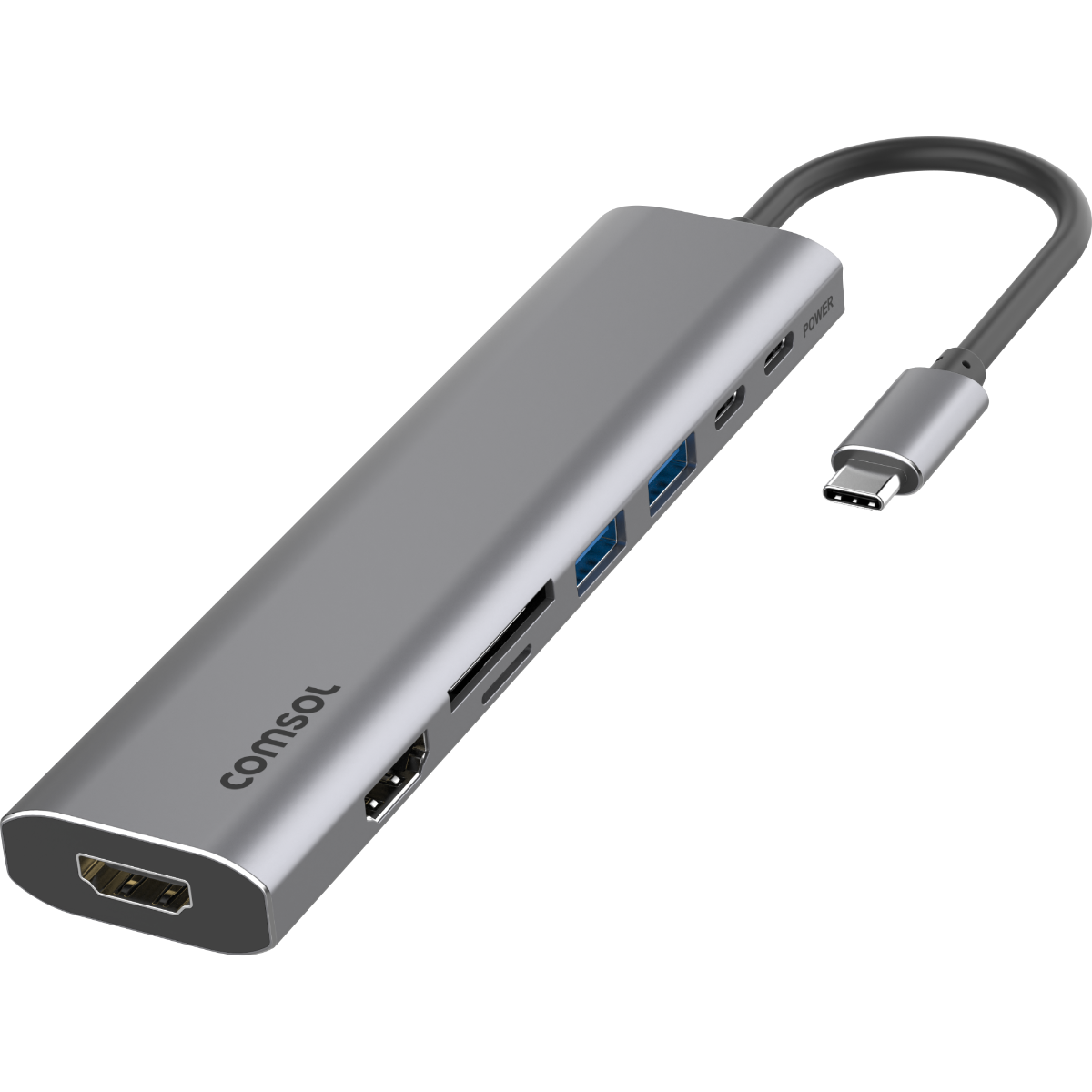
USB-C to Dual HDMI 1080p with Card Reader
Features
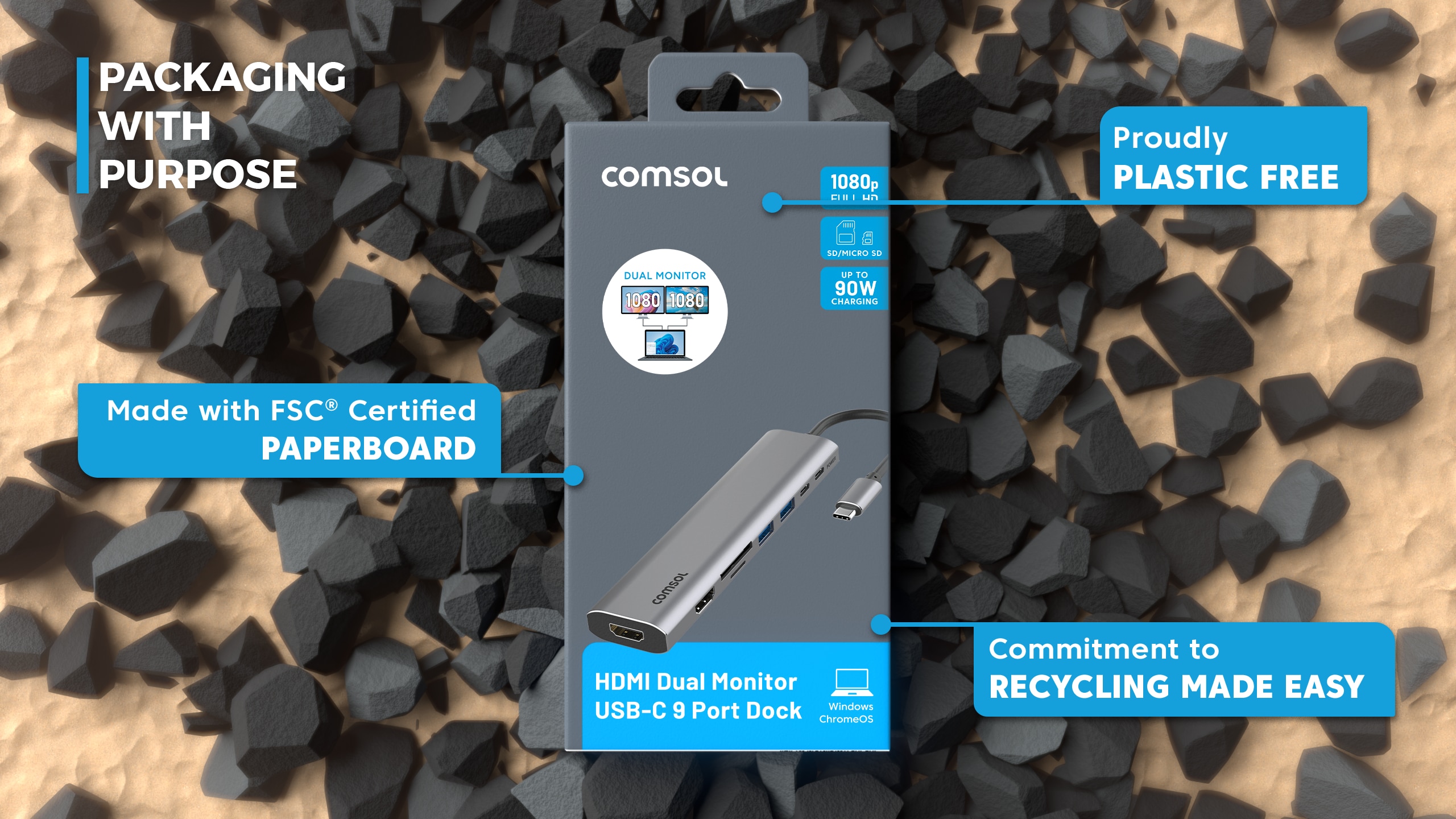
90W
Fast Charging

USB-C
9-Port Dock

Dual
Monitor Output

Supports
Win & ChromeOS

Full HD
1920 x 1080


DUPLICATE, MIRROR OR EXTEND
to dual monitors on a Windows laptop or Chromebook
1080P HD
Support for dual 1920 x 1080 @60Hz
HIGH SPEED SD and microSD UHS-I ports
allow you to transfer files at speeds up to 104MB/s
USB-C CHARGING
supports up to 90W of USB-C power pass-thru
Specifications
Charging Specs
Max Single Resolution: 4K @30Hz (3840 x 2160)
Max Dual Resolution: 1080P @60Hz (1920 x 1080)
Host Port Connection: USB-C
Expansion Ports: HDMI Port, SD Card / microSD Card, USB-A Data Ports, USB-C Data Port, USB-C Power Input, USB-C PD Host
Product Dimensions: 144 x 35 x 14mm
Product Weight: 70g
OS Compatibility: Windows, MacOS, ChromeOS
Host Display USB-C Requirements: USB-C Video via DP Alt Mode
Connectivity
HDMI x2

Micro SD

SD Card

USB-A x2

USB-C x2

Compatibility
Video Output
Supports USB-C Video between supported devices, for example most:
- Windows Laptops
- ChromeOS Devices
Windows/ChromeOS Laptop Compatibility
Compatible with modern USB-C laptops that support video output over USB-C (DisplayPort Alt Mode).
Not supported on devices with data-only USB-C ports.
To check if your laptop supports video output over USB-C, look for a DisplayPort (DP), USB4 or Thunderbolt symbol next to the USB-C port.
If there are no markings next to the USB-C port, refer to the specifications listed in the user manual of your laptop. Look for mentions for “DisplayPort Alt Mode”, "Thunderbolt" or “USB-C video output.”
USB-C Ports without these indicators generally support data and charging only.
If you're unsure about the compatibility of your device, please check with our support staff either via the Live Chat in the bottom right of the page or support@comsol.com.au
Sustainability
THE SUSTAINABILITY HIERARCHY
The Sustainability Hierarchy empowers us to make eco-conscious choices at every stage of our products’ lifecycles, from refusing unnecessary items to recovering valuable resources, fostering a more sustainable future.
Making Informed Choices
All stages of the electronic product lifecycle are important to consider in order to be sustainable consumers. The Sustainability Hierarchy, also known as the Rs of Sustainability, is a valuable tool to help guide business and consumers in minimising our impact and making conscious choices.

As a brand it is important to consider which stage of the Sustainability Hierarchy aligns best with our efforts to minimise impact and contribute to a more sustainable future—particularly in early product design and manufacturing.
- Refuse: We have said no to unnecessary plastic and harmful materials in products and packaging.
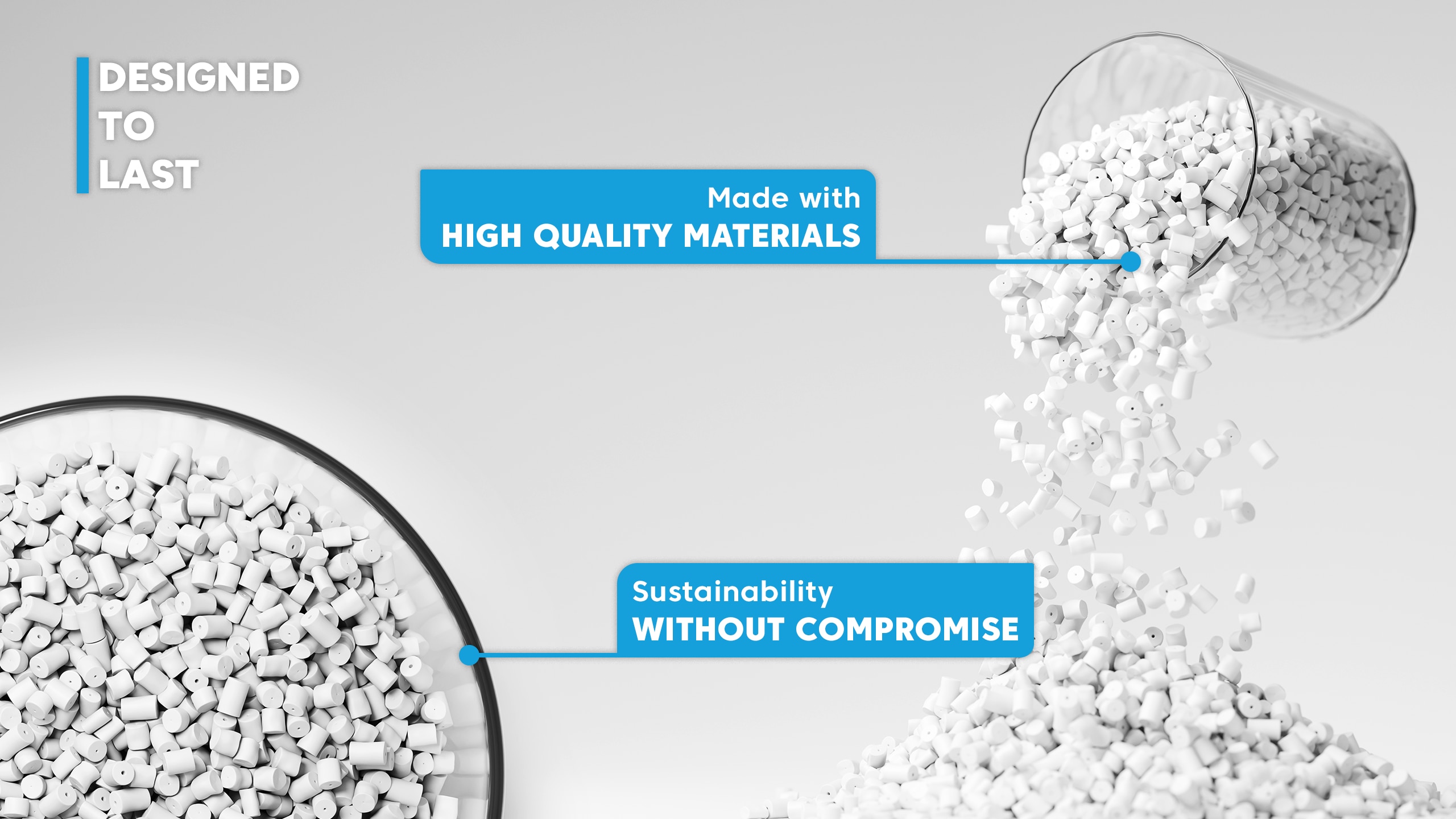
- Rethink: We investigate innovative solutions to extend product life through durability and multifunctional design.
- Reduce: We have reduced packaging volumes and optimised material usage in line with APCO assessments.
To view more click here.
